Student Help
Applying for Graduation (Undergraduate)
Page Content
1. Initial Navigation
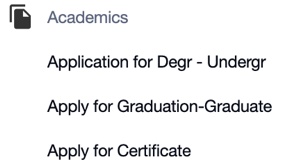
In SOAR, click the Student Dashboard tile. Scroll down the page and click the Academics menu and select the Application for Degree – Undergraduate option.

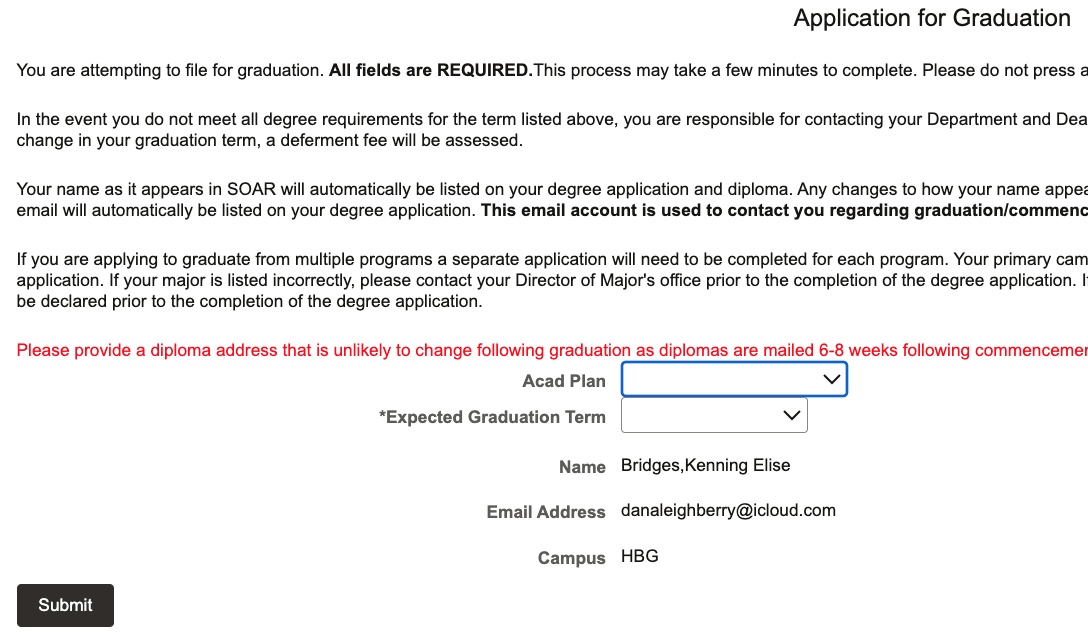
2. Select Academic Plan and Graduation Term
3. Pay Fee
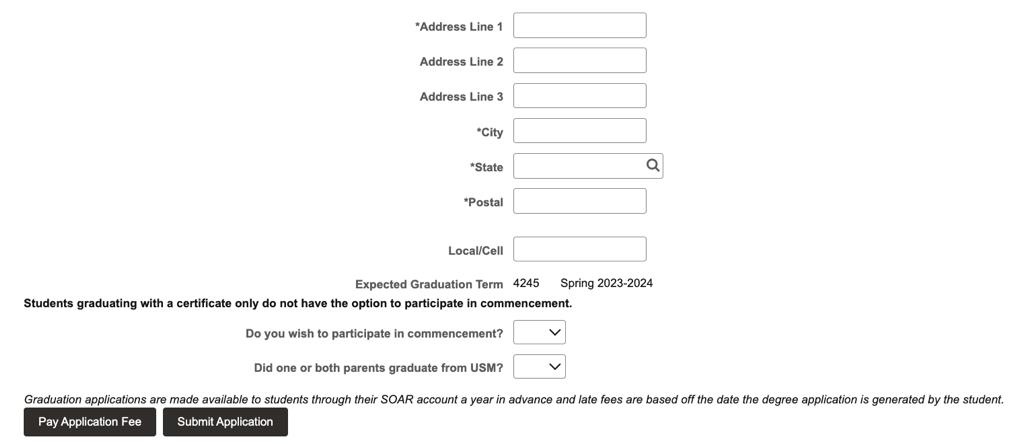
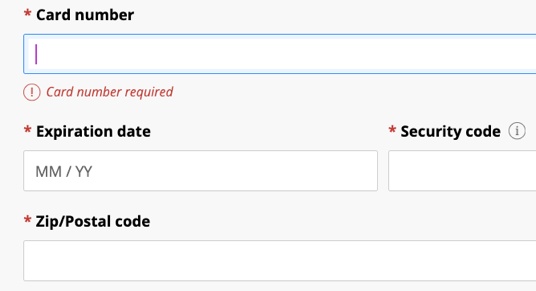
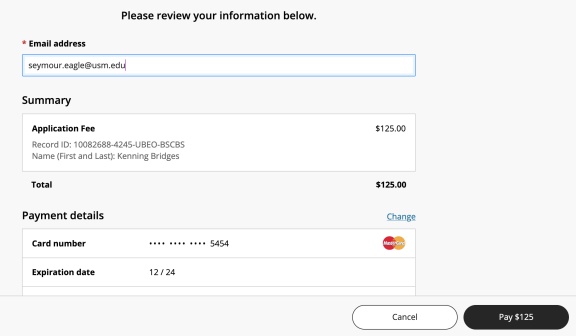
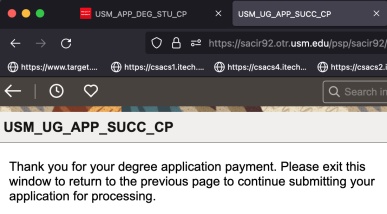
Turn off pop-up blockers, then input the prompted information and click the Pay Application Fee link where you’ll be directed to the CashNet site. The payment amount will auto generate based on the deadline date for the semester. Input your MasterCard or Visa information and click Continue. Enter email address for your confirmation email and click exit button.
4. Submit Application
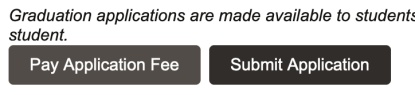
The open window should still display your diploma mailing address in SOAR. Click the Submit Application link to officially submit your degree application with payment. NOTE: Degree applications will not be accepted without payment.
A confirmation email will be sent to your Southern Miss account denoting the successful submission of your degree application. A second confirmation email will be sent once your degree application has been reviewed and approved by all signature authorities

For emergency assistance, dial 9-1-1. Or view local emergency contacts for police, fire, hospitals, and mental health crises.
To report a broken link or suggest a helpful resource, please email Danielle%20Sypher-Haley.