Student Help
Add or Update Your Address
Page Content
1. Initial Navigation
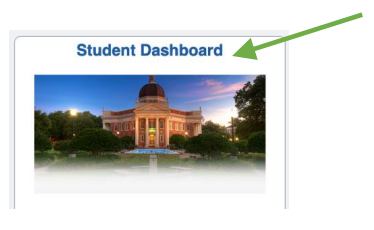
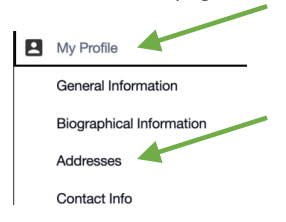
Click the Student Dashboard tile. Scroll down the page and click the “My Profile” menu and select the “Addresses” option.
2. Add or Edit Address
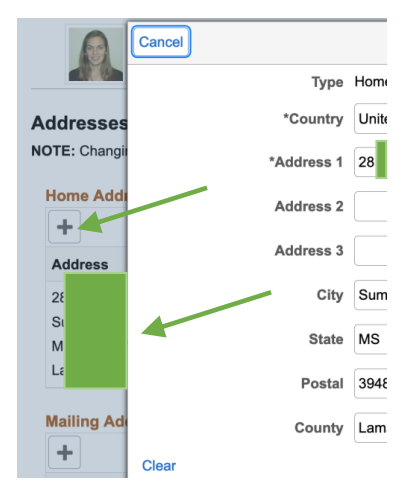
If you need to add a new address, click the + for the coordinating address. If you need to edit an address, click the address to be edited. Enter or edit the address as needed.
3. Save
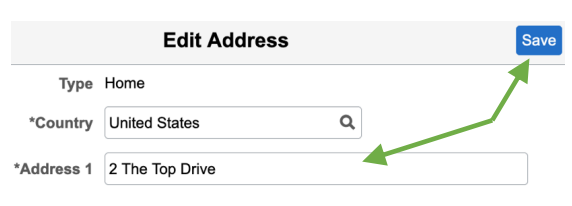
Click the Save button.

For emergency assistance, dial 9-1-1. Or view local emergency contacts for police, fire, hospitals, and mental health crises.
To report a broken link or suggest a helpful resource, please email Danielle%20Sypher-Haley.